Pre-Press Artwork & Design Requirements
Accepted File Types
Vector artwork is needed as it is easily editable and can be rasterized without compromising image clarity. All graphics that are not vector should be supplied at 600 dpi (optimum) or 300 dpi (minimum) and sized at 100%.
.ai Adobe Illustrator (preferred)
.eps
.pdf
We will only accept PDF files after we have verified that they are usable. Black text must be black only (100% K). PDF files have limitations when it comes to the output of color separated plates and are generally not recommended because of the various options available when saving your file.
Please send all vector art in layers.
Linked Images
If you chose to place images within your design, please include all links. The following file types are accepted as linked images.
.psd Adobe Photoshop
.jpg
Save JPGs as CMYK format not RGB. Low resolution images (below 300 dpi) will not meet our minimum resolution requirement even if you increase its dpi setting before saving. The original image must be scanned or created at a minimum of 300 dpi then saved.
Fonts & Color Preferences
Either convert all text to paths and group or send all fonts used. Type cannot be below 5 points. Reverse type must be bold and at least 9 points. Black type must be 100% Black (K).
Flexographic print works best with spot color artwork. When assigning colors to your art and text, please use Pantone spot colors. Spot color labels should be provided as composite, not as separations, NOT in RGB or CMYK. Additional charges may occur if spot color separations have to be created from artwork that was sent as CMYK or RGB.
All BLACK must be 100% BLACK (K) and must be set to overprint.
If possible, please provide a color print out of your artwork and we will do our best to match colors used. As with all forms of print, the final labels created with 4 Color Process (CMYK) artwork may vary in color from what your desk top printer outputs. When approving proof artwork, please not that the final colors may differ from your color proof.
When utilizing common plates, please be sure that all artwork is in the EXACT same position with each version. If the logo, product image, etc., is not in the exact same spot as the other versions there will be issues on press.
3% minimum on graduated screens. No graduations to 0%
Bleed Requirements
Keep artwork 1/8″ in from edge of label.
Rewind Finished Roll Guide
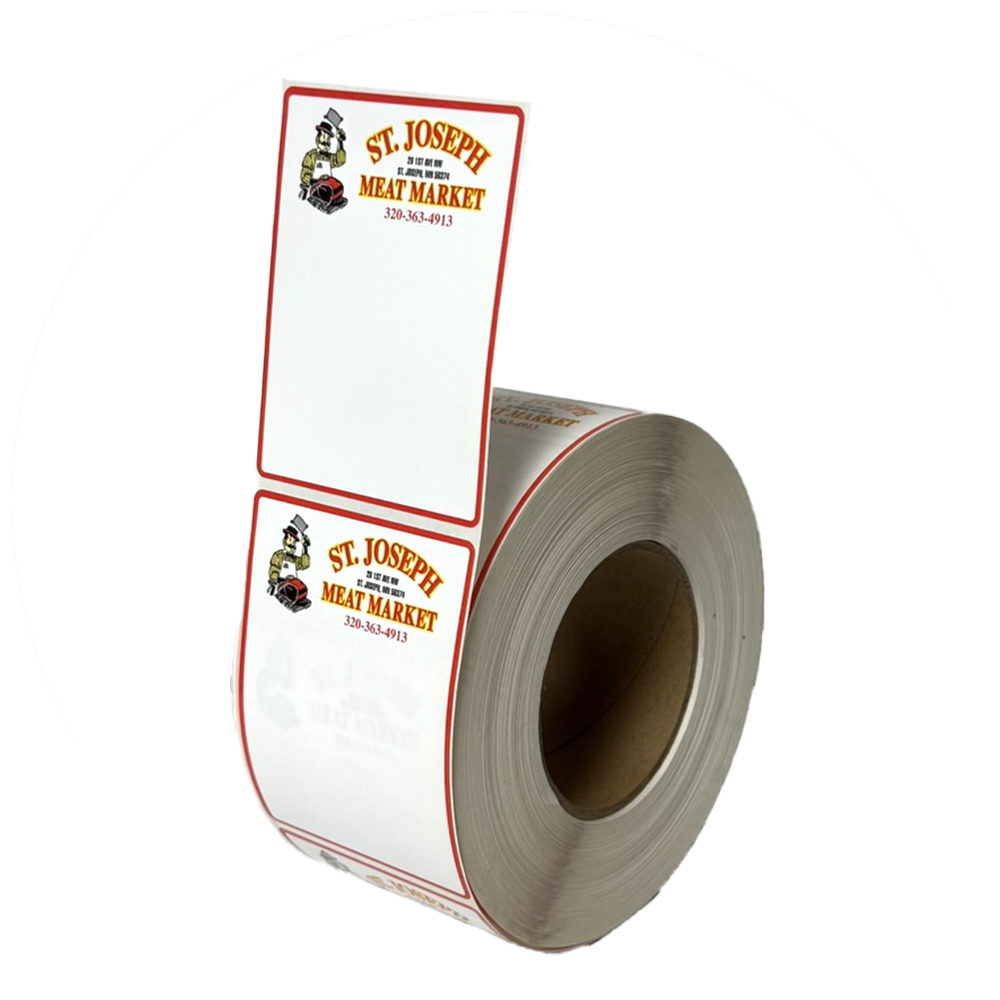
1 - Top Side Off Outside Peel
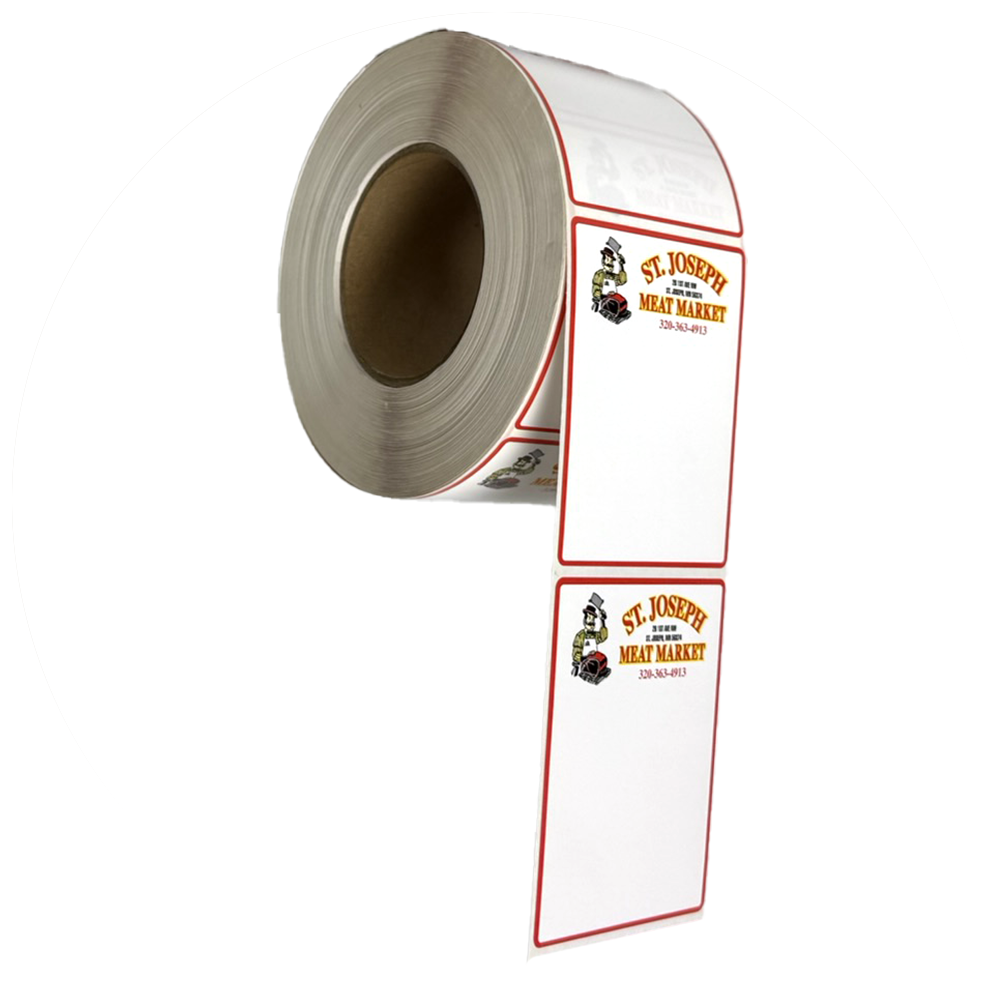
2 - Bottom Side Off Outside Peel
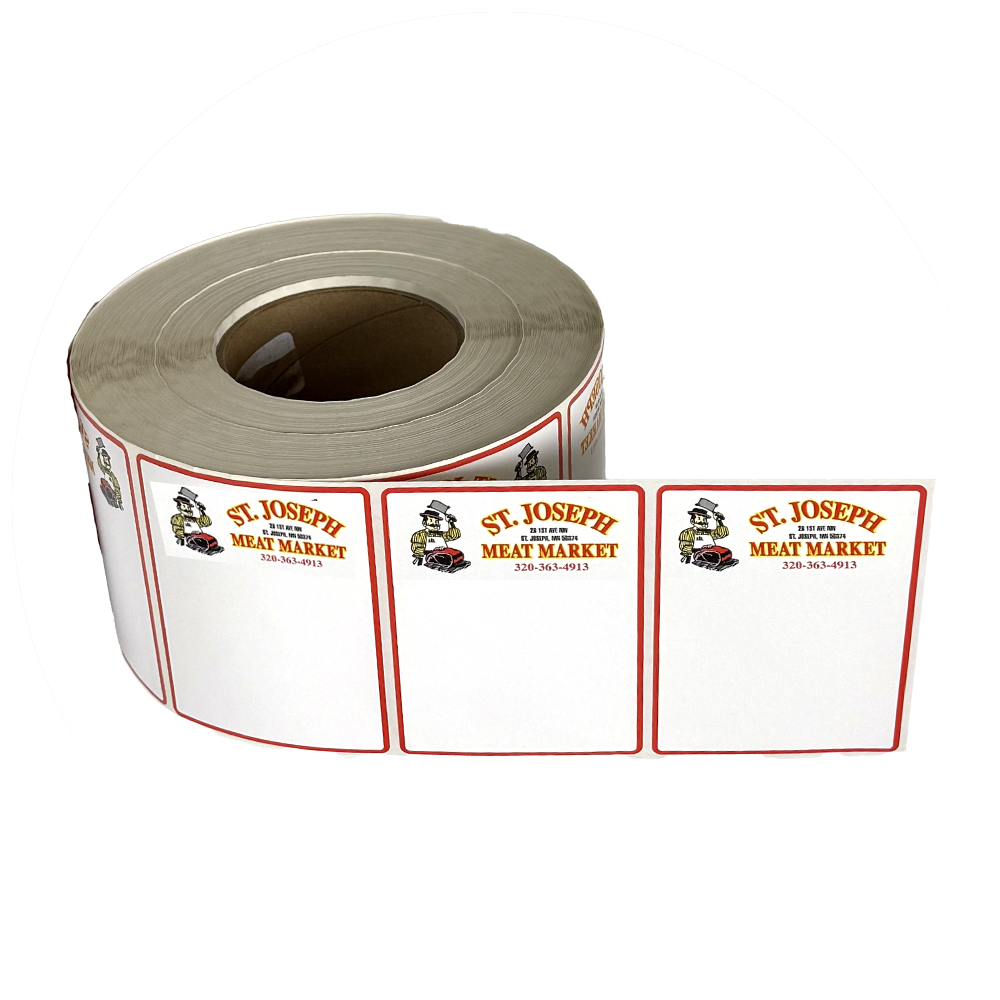
3 - Right Side Off Outside Peel
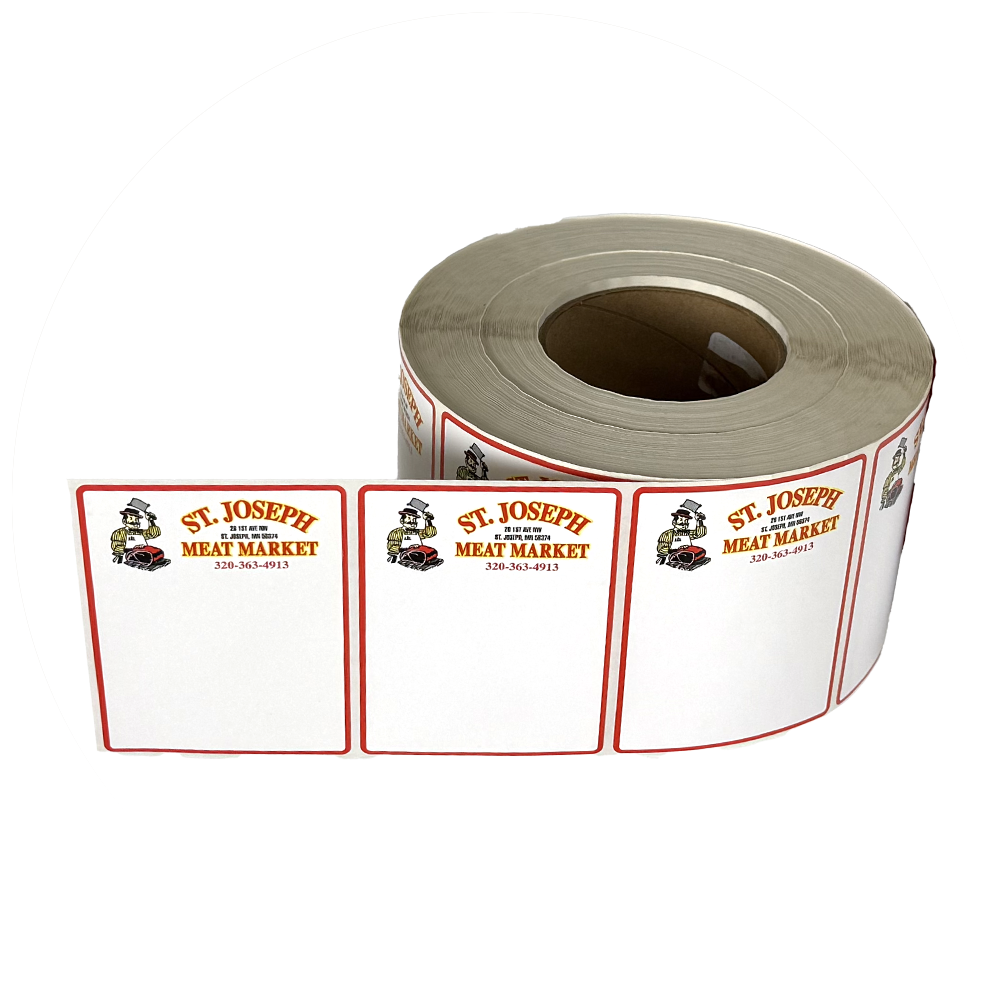
4 - Left Side Off Outside Peel
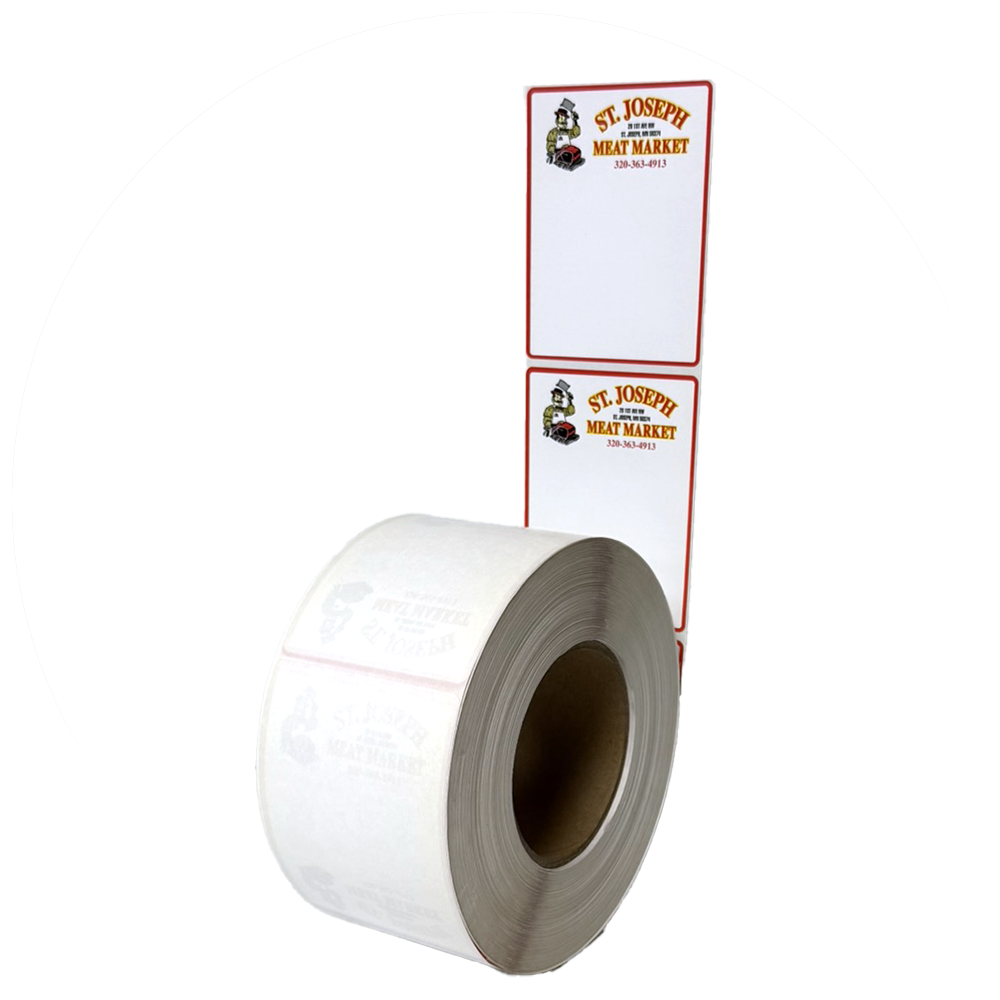
5 - Top Side Off Inside Peel
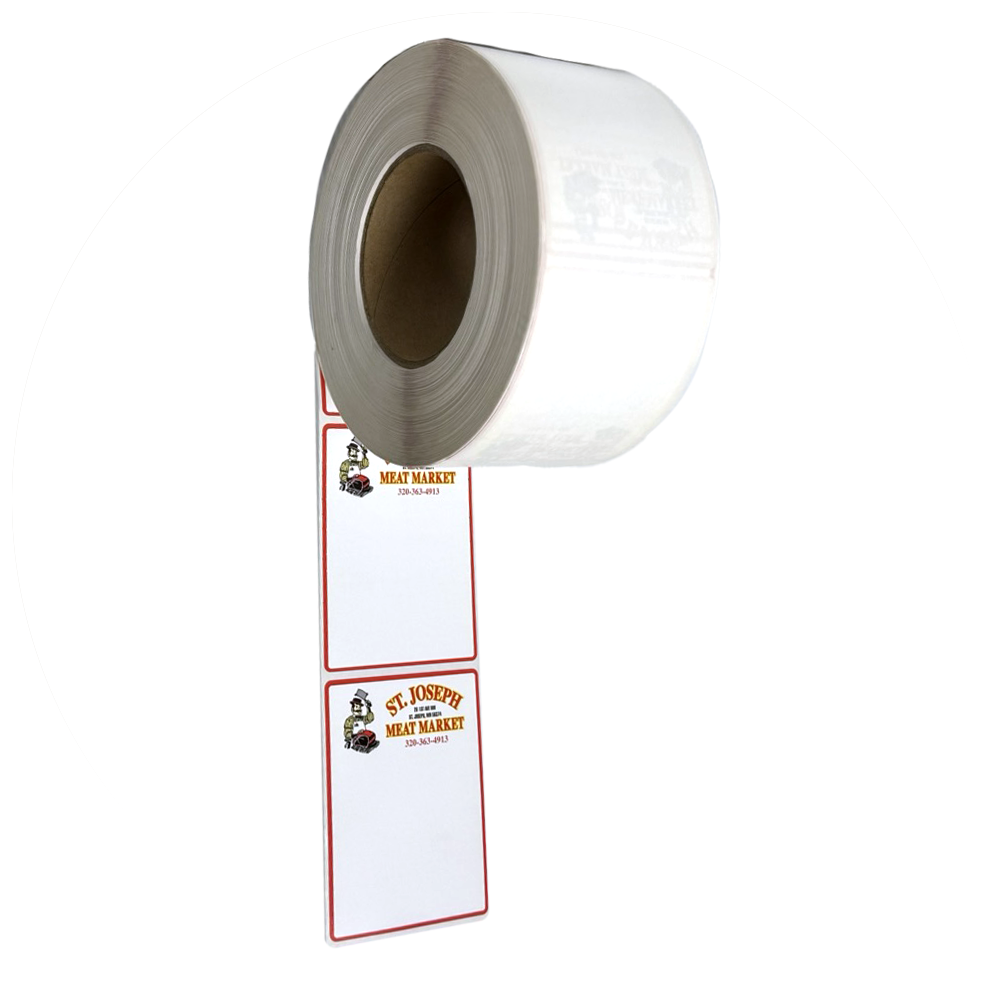
6 - Bottom Side Off Inside Peel
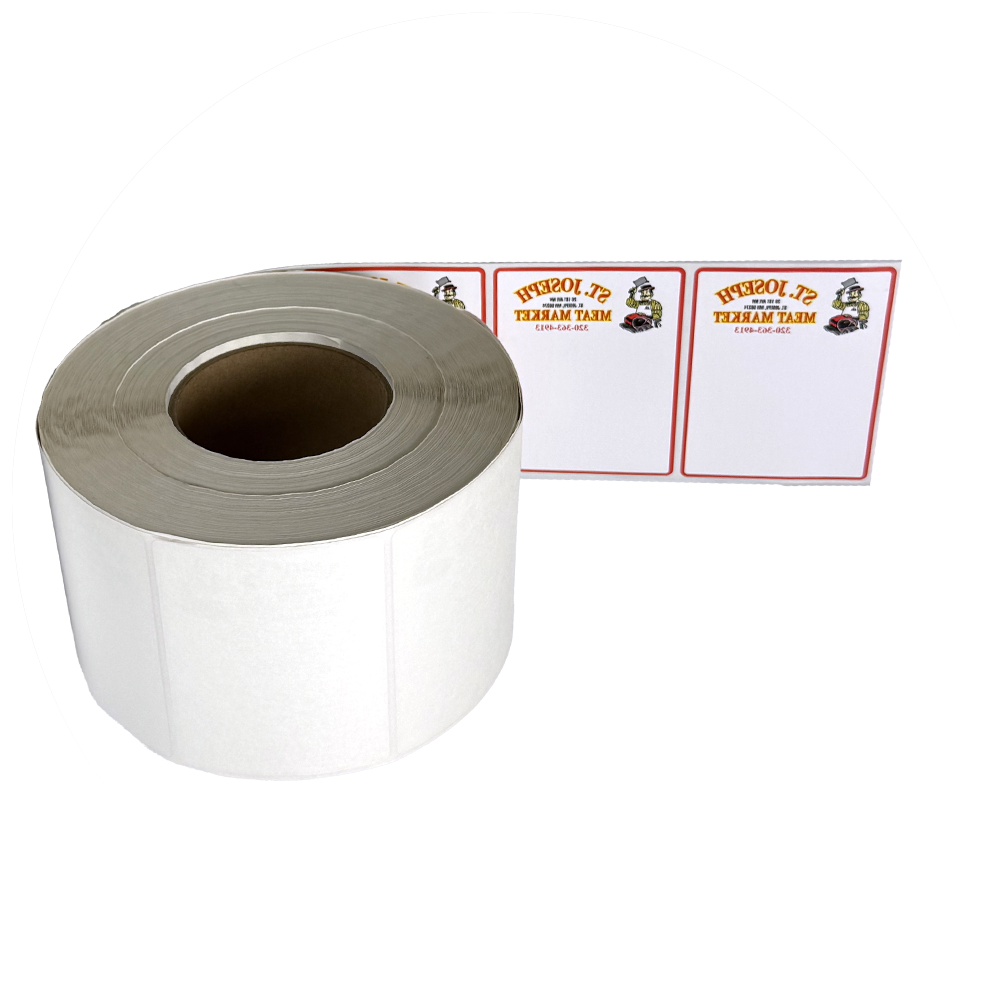
7 - Right Side Off Inside Peel
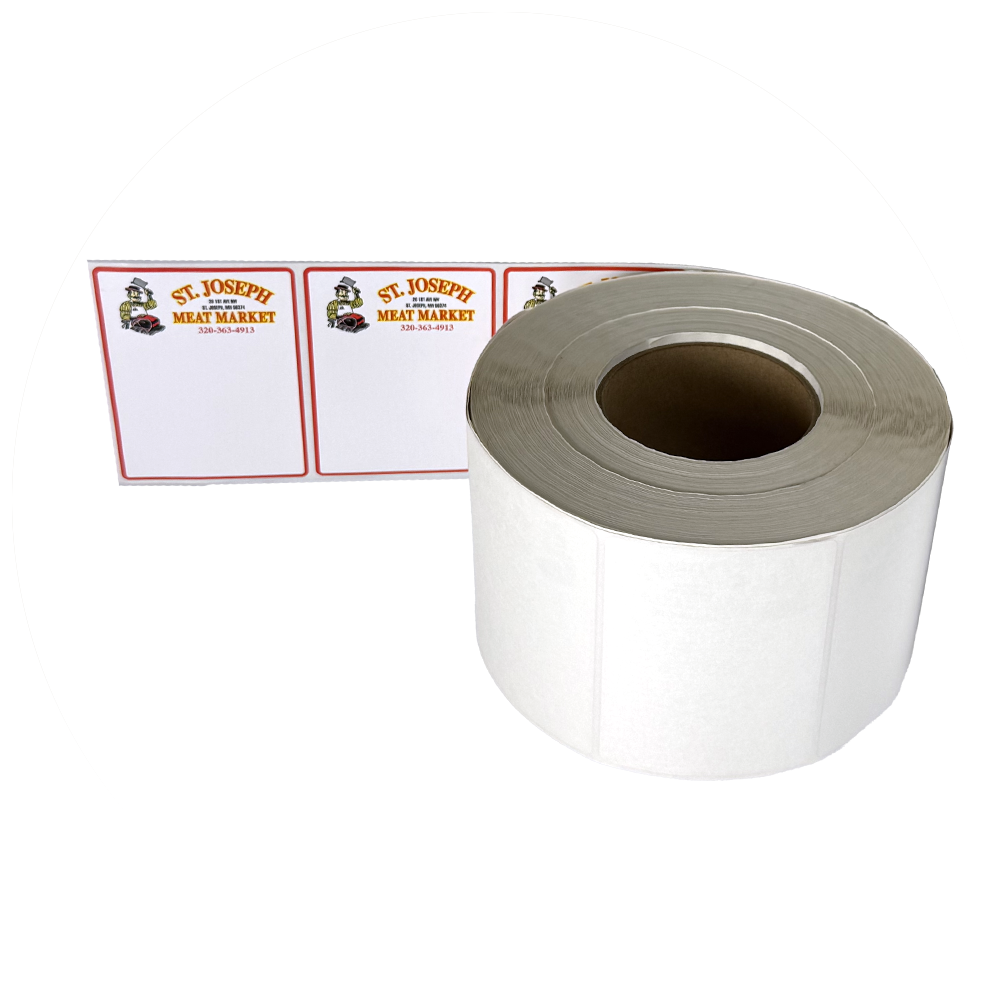
8 - Left Side Off Inside Peel
Every label application requires the labels to face the right direction on the roll, whether that’s top off, bottom off, left, or right. To make sure labels feed correctly into your equipment, we offer 8 standard rewind positions. Each option changes the orientation of the label in relation to the roll, so no matter what type of applicator or process you use, we can rewind your labels to match. This chart illustrates the 8 possible orientations, making it easy to choose the one that’s right for your operation. Customers simply let us know, at the time of order, how they would like the orientation to be set up.
Do Labels Really Matter? You Be The Judge...